17:58
DesignCraft 01: Meet the workspace and create a first layout
Techinerary
17:13
DesignCraft 02: Select tools and distinguish frames from content
16:18
DesignCraft 03: Create print, web and custom-size documents
16:23
DesignCraft 04: Work confidently with units and rulers
16:02
DesignCraft 05: Create and edit graphic and text frames
15:54
DesignCraft 06: Navigate, zoom and review a layout
16:03
DesignCraft 07: Save, copy and reopen editable documents
16:12
DesignCraft 08: Complete a first layout and export a review PDF
LIVE
16:40
DesignCraft 10: Understand facing pages and spreads
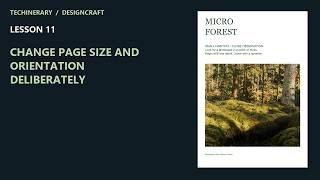
DesignCraft 11: Change page size and orientation deliberately
16:28
DesignCraft 12: Set margins and column guides
15:57
DesignCraft 14: Build a repeatable page grid
15:35
DesignCraft 19: Control text-frame insets and columns
DesignCraft 20: Choose typefaces, size and leading
16:20
DesignCraft 21: Edit text accurately in a layout
16:29
DesignCraft 35: Manage image links, relink and embed
DesignCraft 36: Inspect image resolution and import options
15:55
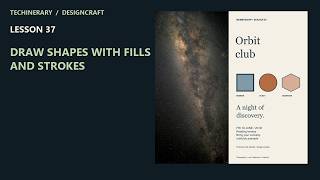
DesignCraft 37: Draw shapes with fills and strokes
16:14
DesignCraft 46: Use named swatches for controlled revisions