5:13
0101. Introduction
1:17
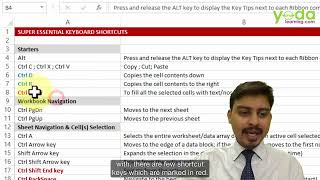
0102. How to learn the best shortcuts in this section
3:23
0103. What is faster than the regular Copy and Paste shortcuts
1:16
0104. What is the shortcut to automatically fill selected cells
4:33
0105. Impress your co workers with these 6 data selection and navigating shortcuts
3:07
0106. Impress your co workers with these 6 rows and column shortcuts
6:19
0107. Impress your co workers with these 9 formula writing & auditing shortcuts
4:38
0108. Impress your co workers with these 7 formatting shortcuts
4:44
0109. How to create your own custom shortcut key in 2 clicks
4:52
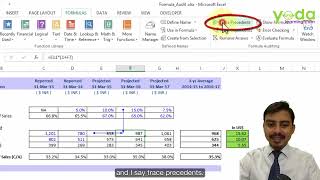
0110. How to audit a Financial Model or a Budget Sheet
2:44
0201. 2 ways MAX function can help build Financial Models & Budget
2:38
0202. Which two formula you must know for calculating Bidding & Auction pricing
3:43
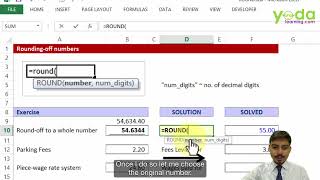
0203. Learn the basics of ROUND, ROUNDUP and ROUNDDOWN
6:37
0204. Learn the advanced level of ROUND, ROUNDUP and ROUNDDOWN
3:20
0205. Learn the 4 most important COUNT formula types
2:39
0206. Why is SUMPRODUCT so important for calculating weighted average
3:34
0207. How do you perform compounding and discounting calculations in Excel
5:17
0301. Learn 3 hidden Custom Format tricks for formatting the data
1:56
0302. Learn 2 fastest tricks to copy paste cell formats 3 5x times faster
4:01
0303. How to automate worksheet formatting using Cell Style Part 1
0304. How to automate worksheet formatting using Cell Style Part 1
1:20
0305. What is AutoFill and how to activate it
2:47
0306. 5 tricks of AutoFill options that will save you time in data entry
1:12
0307. Date AutoFill vs EOMONTH formula a Comparison
4:18
0308. What is the difference between Paste Special Transpose & TRANSPOSE formula
3:02
0401. What is locking the cell reference Basics of using $
0402. Learn the two advanced cases of using $ while locking the cell reference
4:23
0403. Cell Referencing using Practice 1
4:35
0404. Cell Referencing using Practice 2
0405. Cell Referencing using Practice 2
2:50
0406. Cell Referencing using Special Trick
2:40
0501. How to delete 1000s of errors in an Excel sheet fast
2:02
0502. How to check for cells with formulas amongst 1000s of cells
2:08
0503. How to fill occasional blank cells with a specific text or number
5:59
0504. How to fill in blanks in Excel with the value above
2:04
0505. How to fill in blanks in Excel with the value below
2:24
0506. How to color the visible cells in a filtered list
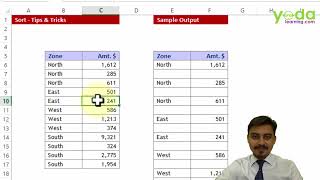
0601. Learn the basics of Sorting a list
0602. Why is Custom Sorting important for Expert level Sorting
2:58
0603. How to add one blank row between every row of a list
3:29
0604. How to activate the hidden option of horizontal left to right Sorting
3:37
0605. Learn the basics of Filtering a data
1:26
0606. Avoid this #1 common mistake while applying Filter
2:52
0607. How to analyse the data using Shortcuts after applying Filter
5:05
0608. Why you should never apply SUM or AVERAGE function on a Filtered list
0609. What is the difference between two versions of SUBTOTAL function
2:19
0610. How to apply Filters on two different data sets of the same worksheet
1:13
0611. How to apply Color Filter and Custom Filter
4:29
0612. What is the difference between Filter & Advanced Filter
4:10
0613. How to apply Advanced Filter with multiple criteria
3:09
0614. 16 ways to set up advanced criteria for Advanced Filter
3:16
0701. Do you know how Excel stores a Date value to avoid MDY vs DMY confusion
4:05
0702. How to change Control Panel settings to change acceptable format for date input
2:15
0703. 4 must know date formulas for every Excel user YEAR, MONTH, DAY, DATE
3:06
0704. How to get the day name of a date Sun, Mon etc
3:52
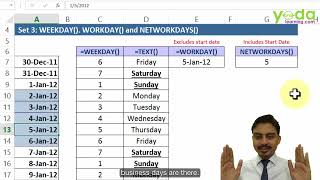
0705. 3 date formulas for Project Management WEEKDAY, WORKDAY, NETWORKDAYS
0706. What is the difference between WORKDAY INTL vs WORKDAY
1:44
0707. What is the difference between NETWORKDAYS INTL vs NETWORKDAYS
1:30
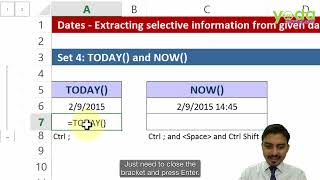
0708. 4 Tricks of Current Date and Time for Excel Modeling
3:41
0709. How to calculate 5th of next month
3:55
0710. How to calculate expiry date for agreements and warranty period
2:37
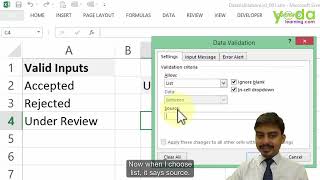
0801. How to create a basic drop down list
3:51
0802. How to allow the source of drop down list to include future additions
1:37
0803. How to add an error alert and instruction message to avoid invalid data input
0804. What is the biggest bug in Data Validation and how can it be avoided
1:36
0805. How to restrict user input to a fixed length of characters
2:01
0806. How to write a custom formula to avoid invalid data entry in a cell
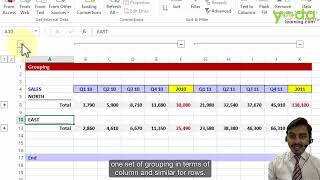
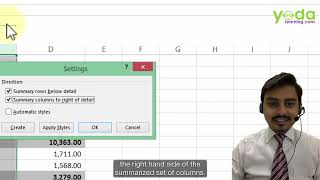
0901. Why is Grouping columns better than Hiding them
0:41
0902. How to use Column Grouping effectively
1:41
0903. How to activate a hidden trick of Grouping
0:50
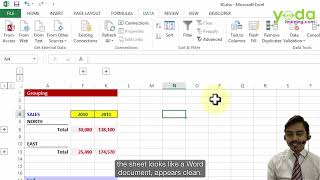
0904. How to make your Excel sheet look like a white page
5:32
0905. How to activate two way Freeze panes
3:58
1001. What are the Top 3 tricks of Pivot Table for day to day use
2:25
1002. What are the two basic things to avoid for creating Pivot Tables successfully
1003. Step 1 How to create a Pivot Table
3:21
1004. Step 2 Understanding the 4 grids of a Pivot Table report
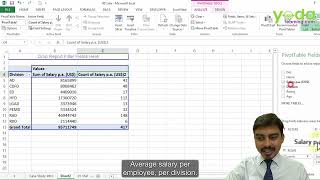
1005. Step 3 How to calculate SUM, AVERAGE and COUNT in a Pivot Table
2:22
1006. Step 4 How to calculate PERCENTAGE in a Pivot Table
4:49
1007. Step 5 What are the different PERCENTAGE calculations types in a Pivot Table
3:38
1008. Step 6 Why is Grouping numbers important for analysis
4:08
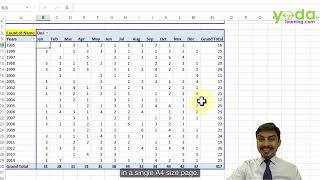
1009. Step 7 Why is Grouping dates important for analysis
3:36
1010. Step 8 Why is Grouping text important for analysis
6:18
1011. Step 9 What are the 2 things to do if your Pivot Table s source data changes
0:42
1012. Step 10 How to activate Auto Refresh Pivot Table setting
2:13
1013. Step 11 How to add Sparkline and Pivot charts to visualise your data
1:00
1014. Step 12 How to drill into the details of Pivot Table data
3:39
1015. Step 13 How to create 100s of Pivot Table reports in just 3 clicks
2:33
1016. Step 14 What is Pivot Table Slicer and how is it different from Report Filter
7:58
1017. Pivot Table Project for Practice Sales Data Analysis Part 1 of 2
1018. Pivot Table Project for Practice Sales Data Analysis Part 2 of 2
7:00
1019. Pivot Table Project for Practice Inventory Analysis Part 1 of 1
8:00
1101. Learn the basics the most important formula of Excel VLOOKUP
7:16
1102. When do I need to a apply TRUE instead of FALSE in VLOOKUP
6:00
1103. What are the real life applications VLOOKUP with TRUE
2:45
1104. What is the difference between VLOOKUP and HLOOKUP
1105. Learn the basics of VLOOKUP s best friend MATCH function
3:46
1106. Learn how MATCH can be used for slabs based data
5:53
1107. What is 2D Lookup and how can it avoid complex Nested IF statements
1:19
1108. Learnt the trick to remember the 2D Lookup structure using VLOOKUP and MATCH
1109. #1 Common mistake when writing 2D Lookup using VLOOKUP and MATCH
2:20
1110. #2 Common mistake when writing 2D Lookup using VLOOKUP and MATCH
6:12
1111. 2D Lookup Project for Practice using VLOOKUP and MATCH
6:48
1112. Learn to use 2D Lookup with HLOOKUP and MATCH
4:25
1113. Learn the basics of INDIRECT formula
6:01
1114. Learn how the write dynamic formulas using INDIRECT function
1115. What is 3D Lookup
7:10
1116. Learn to write 3D Lookup using VLOOKUP, MATCH and INDIRECT functions
3:27
1117. What is reverse lookup, and why VLOOKUP fails you sometimes
8:13
1118. How to write a reverse lookup using INDEX with MATCH
6:06
1119. Reverse Lookup Project for Practice using INDEX with MATCH
4:27
1120. How is VLOOKUP different from SUMIFS
4:11
1121. How can you add multiple criteria while writing SUMIFS
5:19
1122. How to use SUMIFS with date range
5:30
1123. How to use a hidden trick of SUMIFS to calculate running total by ID column
6:09
1124. Three most important tricks of writing COUNTIFS function
1:24
1125. AVERAGEIFS
15:09
1126. What is OFFSET function and why experts use it with MATCH function
1127. Fuzzy Lookup
1:42
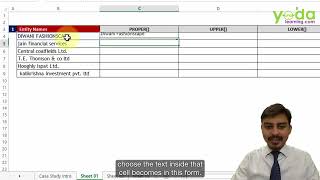
1201. How to change case of the text to Upper case, Lower case and Proper case
1202. How to remove extra spaces in a sentence using TRIM function
1:33
1203. How to find the length of a text using LEN function
1204. How to convert numbers stored as text back to number using VALUE function
1:15
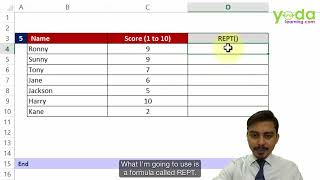
1205. How can you add a chart inside a cell using REPT function
1206. How to add missing zeroes in Cheque numbers using LEN and REPT
4:56
1207. How to join text from different cells using CONCATENATE and Ampersand
3:08
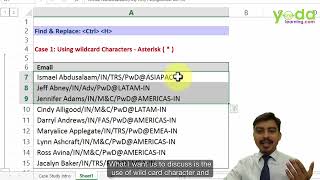
1208. How to use wildcard character asterisk with Find and Replace
2:23
1209. How to use wildcard character question mark with Find and Replace
1210. How to delete delete wildcard character asterisk using Find & Replace
6:05
1211. Why should you use MS Word s Find and Replace over MS Excel s
4:30
1212. How to replace once cell color format with another in the entire worksheet
1213. How to apply basic Text to Column to splitthe text of first name and last name
1214. How to keep the zeroes when applying Text to Column on data with preceeding zeroes
1215. How to clean numbers which have minus sign at the end instead of at the start
1216. How to convert numbers with Dr and Cr to positive and negative numbers
3:24
1217. How to rectify incorrectly formatted date such as 24 05 2007 using Text to Column
3:18
1218. How to rectify incorrectly formatted date such as 20080009 using Text to Column
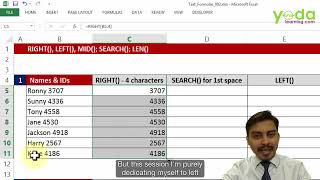
1219. How to use LEFT and RIGHT functions to extract data from a cell
2:26
1220. How can you increase the power of LEFT and RIGHT formulas using SEARCH function
3:42
1221. How is MID more powerful than LEFT and RIGHT functions
7:14
1222. What is the difference between REPLACE and SUBSTITUTE functions
7:22
1223. FlashFill for Data Cleaning in Excel
5:48
1224. SEARCH vs FIND
4:17
1301. What are the Top 7 error and data validity checking formulas
5:18
1302. How to write IF formulas Basic to Intermediate level
5:14
1303. The two must under used logical formulas AND & OR
3:35
1304. How to combine IF with AND & OR formulas to make the logic 5x times powerful
5:46
1401. How to use Conditional Formatting to make a Dashboard showing Growth vs Decline
3:15
1402. How to change cell colors automatically based on data entered in a cell
2:30
1403. Three popular Conditional Formatting Tricks Heat Map, Data Bars, Icon Sets
5:02
1404. Four tricks to color cells with Errors, Specific Values, Duplicates and Blank
1405. How to use Conditional Formatting to color the rows based on a cell value
5:21
1406. Conditional Formatting Formula based w AND 2 way input Coloring
4:13
1407 Conditional Formatting Formula based w COUNTIFS Highlighting inputs if from restricted list
5:08
1501. How to add Spin buttons to make your financial model interactive
4:02
1502. How to work around a major bug of Spin Button
1503. How to use Scenario Manager to set up three scenarios Base, Best & Worst
4:32
1504. How to use Goal Seek to calculate the optimal EMI for repaying a Loan
8:21
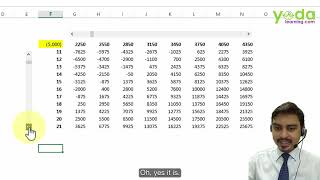
1505. How to do Sensitivity Analysis using Data Tables feature of What If Analysis
1506. How to do Sensitivity Analysis of Loan EMI using Data Tables
1507. Part 1 How to do use Data Tables with more than one output variable
10:07
1508. Part 2 How to do use Data Tables with more than one output variable
5:33
1601. How to insert Subtotals in a list of data in a worksheet
1602. How to remove Subtotals in a list of data in a worksheet
1603. How to create 2 level Subtotals in a list of data in a worksheet
1604. How to apply different color to the row totals in a 2 level Subtotals
4:06
1605. How to Consolidate data tables from multiple worksheets in 1 minute
7:54
1606. How to add a 3rd dimension while consolidating tables from multiple sources
6:40
1701. How to password protect selected cells of a Sheet
1702. How to select the cells with formulas for locking them
5:37
1703. Using Workbook Structure protection and Very Hidden property
2:46
1704. How to password protect an Excel file
1801. Printing Tricks Repeat Header
1802. Printing Tricks Enable dashed gridlines
2:53
1803. Printing Tricks Custom Header & Footer
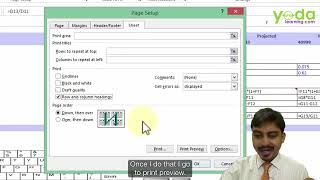
1804. Printing Tricks Page Order Vertical vs Horizontal
1:49
1805. Printing Tricks for Financial Analysts Part 1
1:48
1806. Printing Tricks for Financial Analysts Part 2
1807. Printing Tricks Print Entire Workbook
4:22
1901. How to insert a picture in a cell comment
7:07
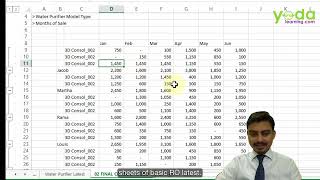
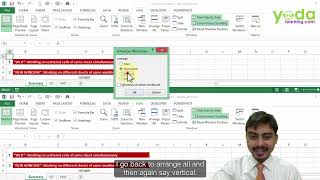
1902. How to work with different open workbooks and multiple worksheets
1903. How to create Hyperlink to different sheets
2001. Essential Settings of Charts Part 1
6:24
2002. Essential Settings of Charts Part 2
3:19
2003. Trendline
2004. Thermometer Chart for comparing Actual vs Target Basic
6:21
2005. Thermometer Chart for comparing Actual vs Target Advanced
4:24
2006. 2 axis Chart and Ghostlines for forecasts
4:34
2007. Horizontal Bar Chart
4:48
2008. 100 percent Stacked Bar Chart
5:10
2009. Who uses Waterfall Chart Demo
6:53
2010. What is the logic behind Waterfall Chart
6:29
2011. Waterfall Chart till Excel v 2003 Part 1
2012. Waterfall Chart till Excel v 2003 Part 2
7:21
2013. Combining Thermometer Chart with Stacked Column Chart
2014. 100 percent Stacked Column Chart
3:48
2015. Ringed Doughnut
4:58
2016. Radar or Spider Chart
5:06
2017. Gantt Chart for Project Management
7:33
2018. 7 design tricks for Charts
2019. Project Lending Company Part 1