Microsoft Word Tips
OnlineComputerTips |
55 videos |
Updated 3 months ago
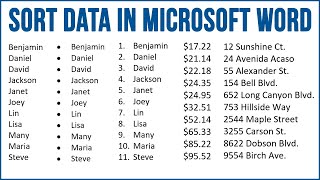
Unlock expert tips and tutorials to master Microsoft Word for work, school, and personal projects. Learn how to add columns, fillable checkboxes, editable calendars, custom signatures, and drop-down lists. Discover powerful features like AutoCorrect, AutoText, grammar and spellcheck fixes, sorting and hiding text, password-protected PDF creation, reducing document file size, moving images, customizing paste options, and solving common issues. Perfect for students, professionals, and anyone wanting to boost productivity, organize content, and get the most out of Word’s rich editing tools. Easy guides for every skill level.
Check out our Word for Seniors step by step guide which is not just for seniors!
amzn.to/3TUvqcZ